
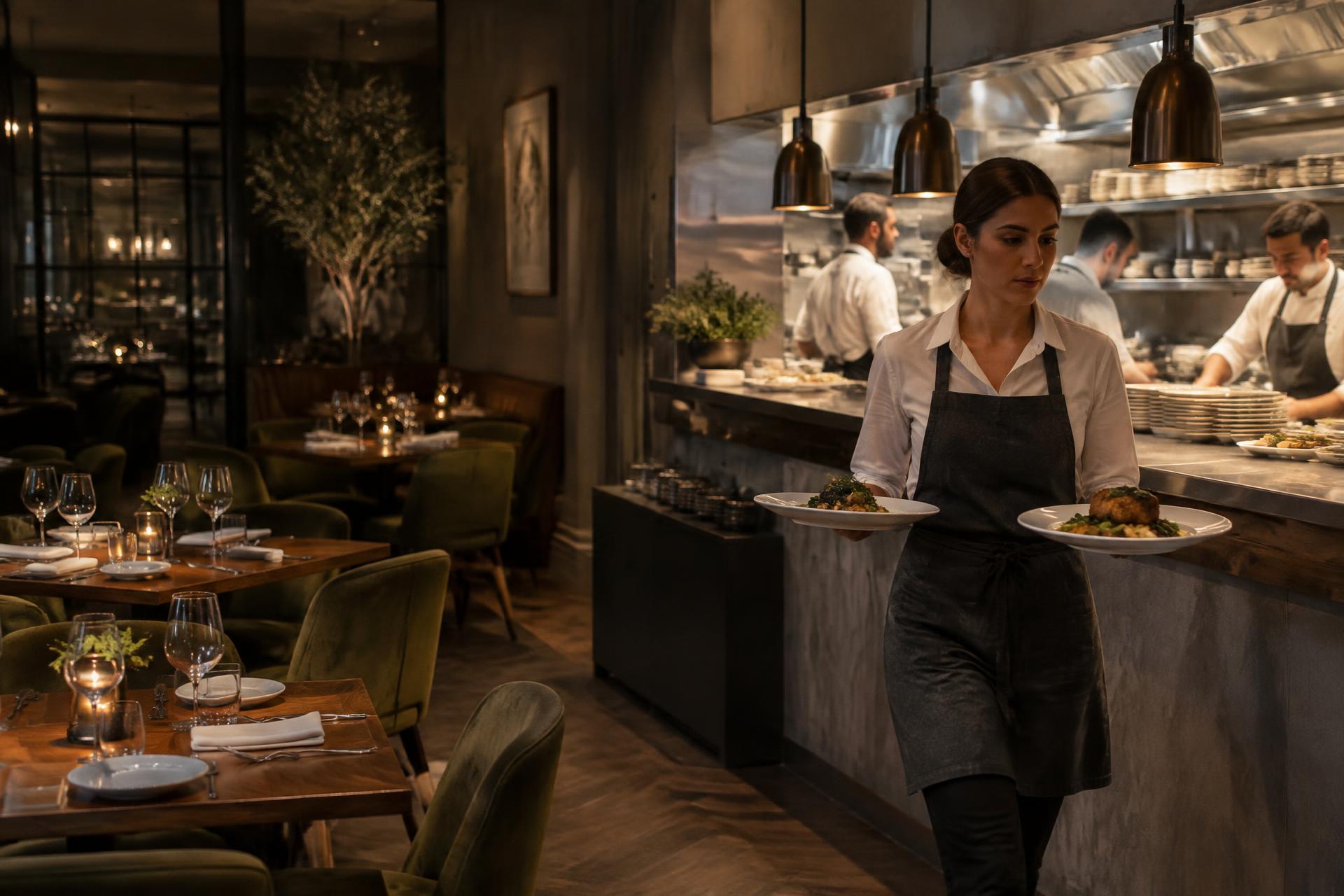
Every table.
Every shift.
In sight.
See which tables need attention and where service is slowing down, with a shared view of your dining room and kitchen.
Illustrative imageA service in focus.
Interactive demo · Dining room & kitchen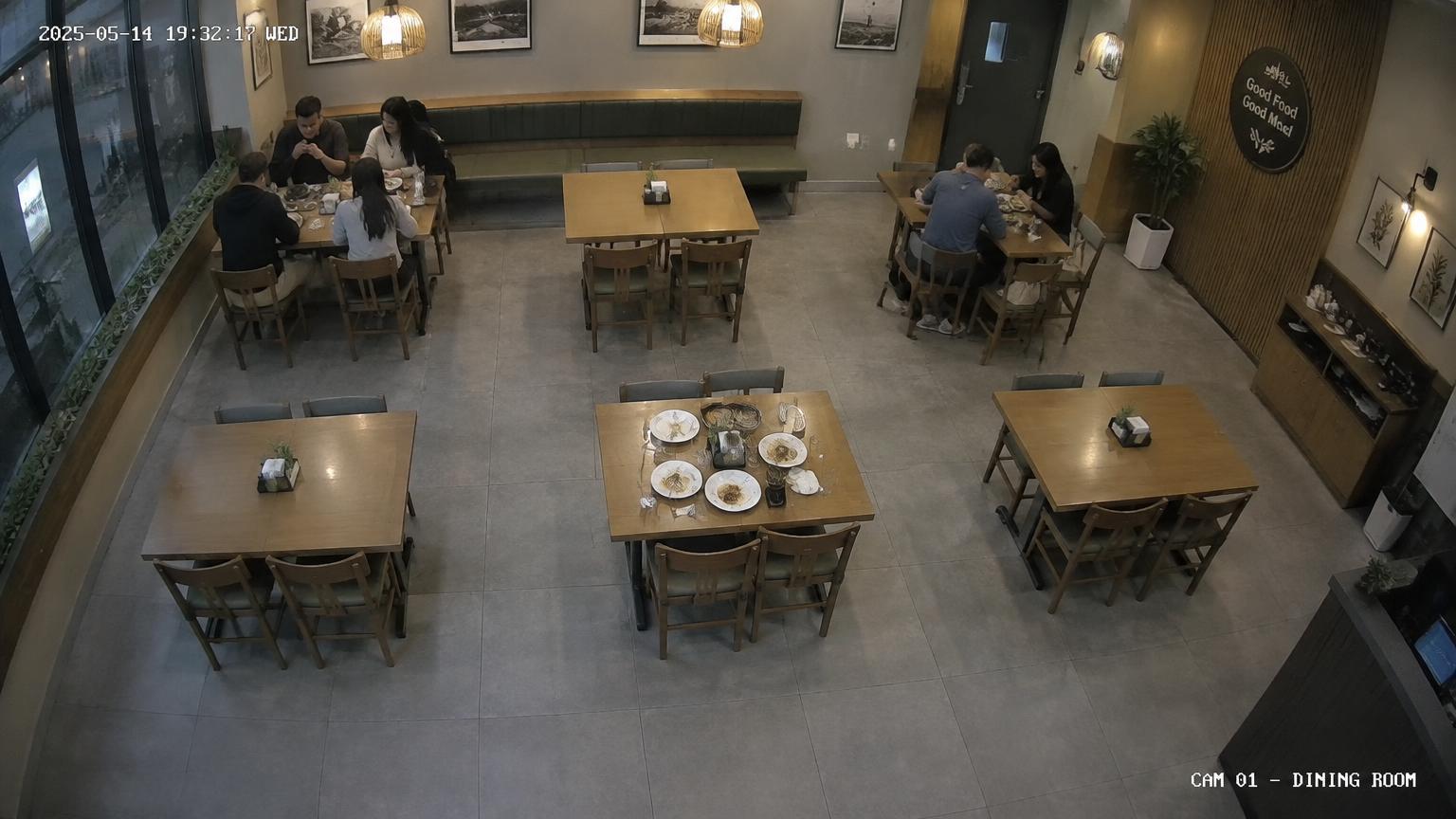
- Table 0309:47
Guests waiting for a greeting
Greet guests
- Table 0511:03
Guests have left · needs clearing
Clear table
What you can see and do
ServiceSights gives managers, hosts and chefs the same picture of service, so problems are spotted while there's still time to fix them.
Know when a table is waiting
A timer starts when guests sit down. If nobody has greeted table 12 after five minutes, it moves to the top of the list with a clear next step.
Turn tables sooner
When guests leave, the table is marked as needing clearing. Hosts can see which tables will be ready next instead of walking the room to check.
Keep food-safety checks consistent
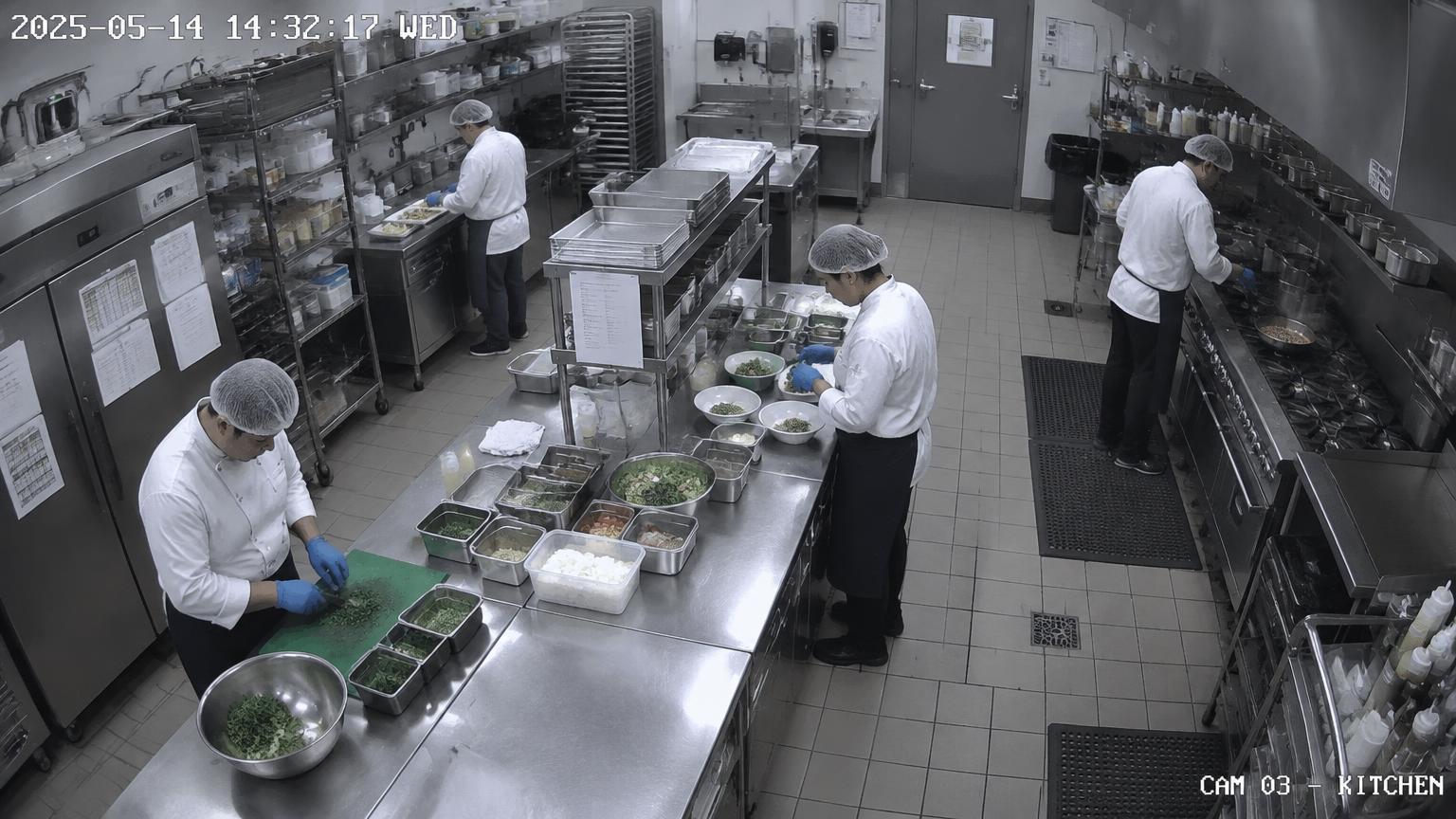
Kitchen cameras check for hair restraints and gloves at prep stations, and flag a walk-in door that has been left open.
One list of what needs doing
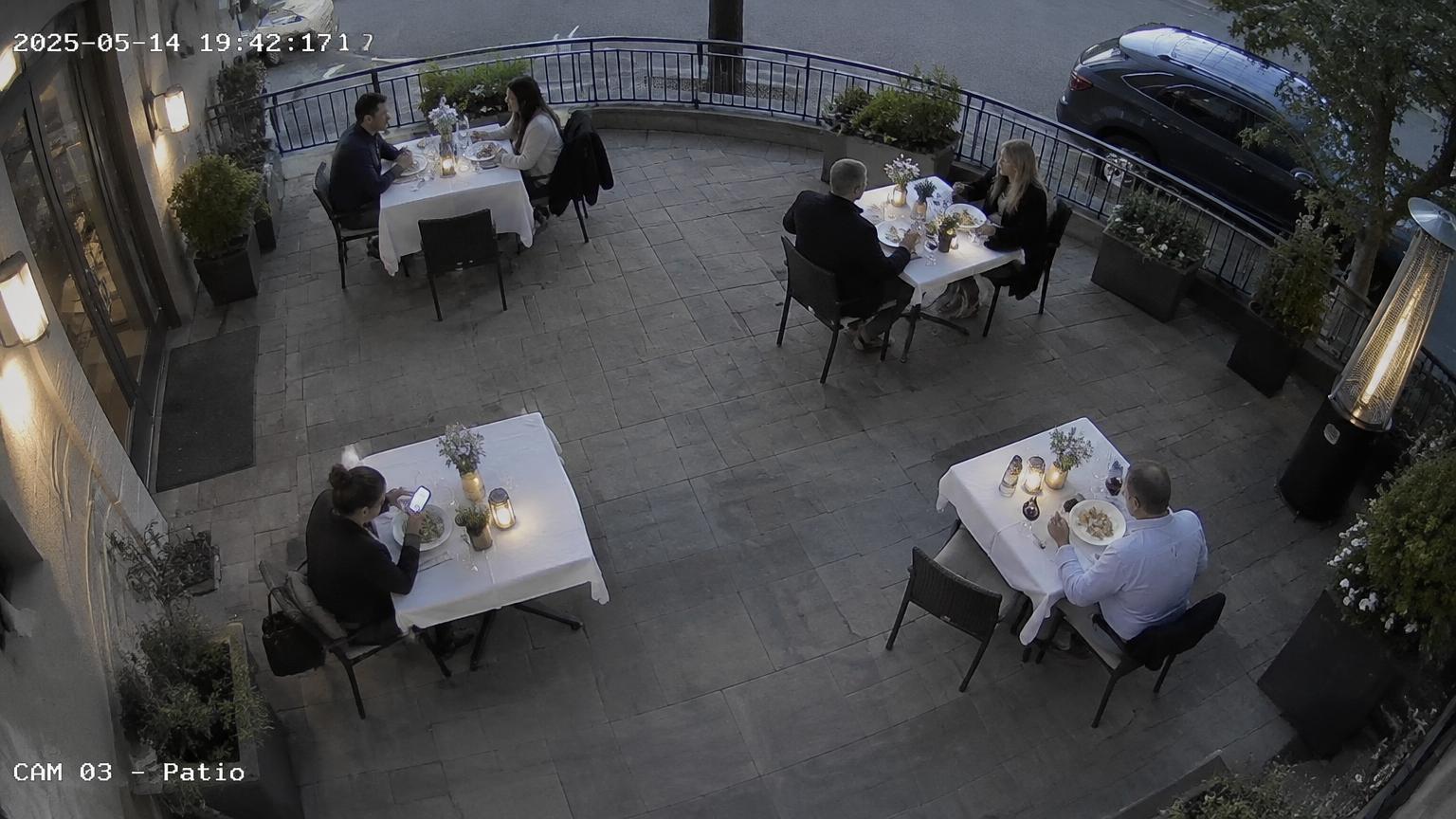
Dining room and kitchen alerts appear in one place. Mark each one as handled once someone has taken care of it.
How it works
- 1
Connect your cameras
ServiceSights uses the overhead cameras already covering your dining room and kitchen.
- 2
Map tables and stations
Each table and prep area is outlined once, so timers and checks are tied to a named place.
- 3
Set your time limits
Choose how long is too long to greet a table or leave it uncleared. The demo uses 5 and 7 minutes.
- 4
Act on alerts during service
Managers see what needs attention, with how long it has been waiting, and mark it handled.
Book a walkthrough
We'll go through the demo with you, using your floor layout and service times, and answer questions about cameras and setup.